Fix for LangGraph Compatibility Issues: ExecutionInfo ImportError with langgraph-prebuilt
Affected Issues
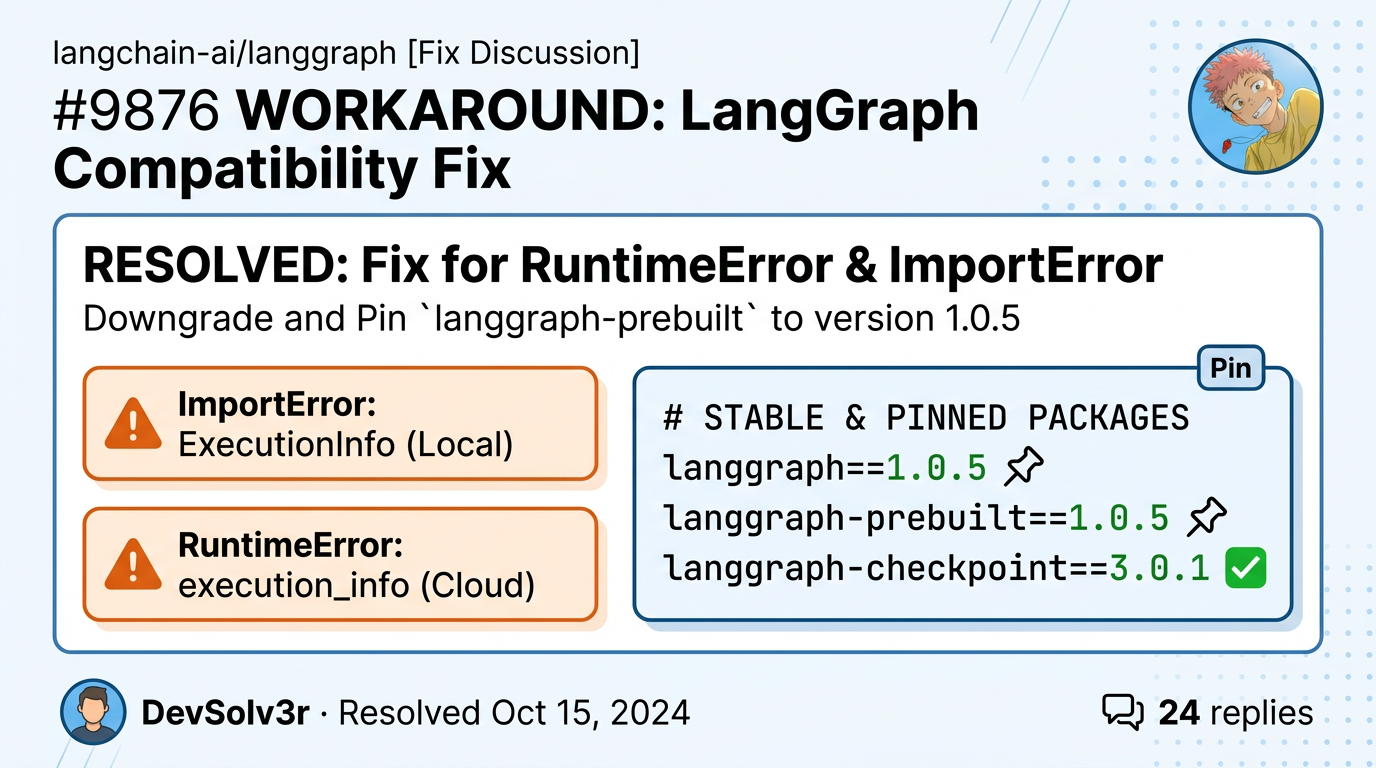
#7420 — RuntimeError: Cannot patch execution_info before it has been set (on LangGraph Cloud)
#7404 — ImportError: cannot import name 'ExecutionInfo' from 'langgraph.runtime' (and sometimes 'ServerInfo')
Symptoms
When installing recent versions of langgraph, you may encounter one (or both) of the following errors:
1. RuntimeError (common on LangGraph Cloud):
RuntimeError: Cannot patch execution_info before it has been set on LangGraph Cloud executor 0.7.962. ImportError (when importing agents, ToolNode, create_react_agent, etc.):
ImportError: cannot import name 'ExecutionInfo' from 'langgraph.runtime'
# or
ImportError: cannot import name 'ServerInfo' from 'langgraph.runtime'
The stack trace usually points to:
langgraph/prebuilt/tool_node.py
langgraph/prebuilt/chat_agent_executor.py
langchain/agents/factory.py
Root Cause
langchain and langgraph automatically installs the latest langgraph-prebuilt package.
Starting with langgraph-prebuilt==1.0.9 (released alongside langgraph==1.1.5), the prebuilt package began importing new runtime classes (ExecutionInfo, ServerInfo) and added stricter logic around patch_execution_info.
These changes are not compatible with langgraph==1.0.x or the current LangGraph Cloud executor (0.7.96). This creates a version mismatch that breaks both local imports and cloud deployments.
Solution (Workaround)
Downgrade and pin langgraph-prebuilt to version 1.0.5, along with compatible versions of the core LangGraph packages.
Recommended Stable Package Versions
langchain==1.2.0
langchain-core==1.2.5
langchain-openai==1.1.6
langgraph==1.0.5
langgraph-checkpoint==3.0.1
langgraph-prebuilt==1.0.5
langgraph-sdk==0.3.1
langsmith==0.5.0
Installation
Using pip (recommended for quick fix):
pip install \
  langchain==1.2.0 \
  langchain-core==1.2.5 \
  langchain-openai==1.1.6 \
  langgraph==1.0.5 \
  langgraph-checkpoint==3.0.1 \
  langgraph-prebuilt==1.0.5 \
  langgraph-sdk==0.3.1 \
  langsmith==0.5.0
For production / reproducibility, add these pins to your requirements.txt:
langgraph==1.0.5
langgraph-prebuilt==1.0.5
langgraph-checkpoint==3.0.1
For LangGraph Cloud Deployments
Ensure the exact versions above (especially langgraph-prebuilt==1.0.5) are listed in your project's dependency configuration. This prevents the cloud from pulling newer, incompatible prebuilt packages.
Verification
After installation:
Clear pip cache if needed: pip cache purge
Test the imports:
from langgraph.prebuilt import create_react_agent, ToolNode
from langchain.agents import create_agent   # or your usual import
Run your graph locally and redeploy to LangGraph Cloud.
Both the ImportError and RuntimeError should be resolved.
Important Note
This is a temporary workaround. The root issue stems from a breaking change in langgraph-prebuilt that was not properly version-gated. A permanent fix is expected once:
langgraph-prebuilt receives a proper major version bump, or
LangGraph Cloud updates its executor runtime.
You can track progress in the linked issues above.
If the error persists
Please reply with:
Your full pip freeze output
Whether you are running locally or on LangGraph Cloud
The exact code snippet that triggers the error
This combination of pinned versions has successfully resolved the problem for many users facing both exceptions.
Get new posts by Nelson Lin
Subscribe to receive email notifications when a new article is published.